Can your PC run Capote?
Official Steam minimums for Windows 10 and Linux / SteamOS after version 1.0.
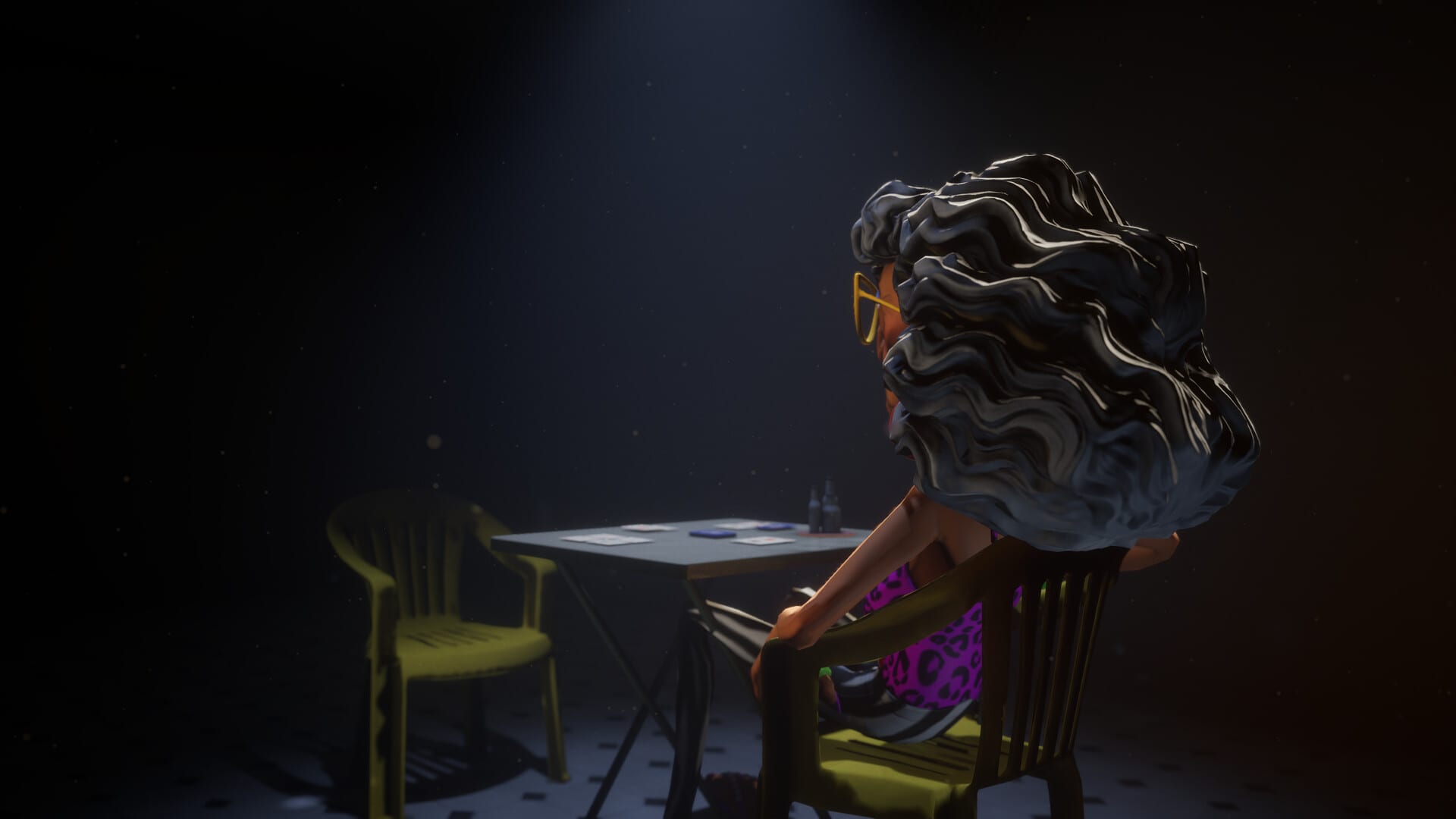
Capote is a small Steam install with a loud table. You do not need a 2026 flagship GPU to sit at the bar, but you do need a 64-bit PC, a broadband connection for online seats, and a client that has updated to version 1.0. This page copies the published Steam minimums and explains what they mean in practice after the August 20, 2026 full release.
If a spec here disagrees with the Steam store page, the store page wins. Luski can raise the numbers in a later patch. The Version History page is where performance patches such as v0.9.1-21 (January 24, 2026) are recorded.
Windows minimum (Steam)
- OS: Windows 10 64-bit
- Processor: 7th-generation Intel Core i5 or AMD equivalent
- Memory: 8 GB RAM
- Graphics: NVIDIA GeForce GTX 880 or AMD equivalent
- Network: Broadband Internet connection
- Storage: 1270 MB available space (about 1.27 GB)
There is no separate “recommended” column on the Steam listing used for this wiki. If you are buying a used laptop for Capote only, treat the minimum as the floor, not as a promise of 144 Hz on a 4K TV.
Linux / SteamOS minimum (Steam)
- OS: Ubuntu 20.04 LTS, SteamOS 3.0, or any distribution with kernel 5.4 or newer
- Processor: 7th-generation Intel Core i5 or AMD equivalent
- Memory: Steam lists 8 MB RAM in the Linux block. That figure is almost certainly a store typo for 8 GB. Capote will not run in eight megabytes. Budget 8 GB like Windows.
- Graphics: NVIDIA GeForce GTX 880 or AMD equivalent
- Network: Broadband Internet connection
- Storage: 1270 MB available space
Linux support is real: the game shipped with a Linux build in Early Access and kept it through 1.0. Proton may still be useful for some GPU stacks, but the first thing to try is the native SteamOS / Linux depot.
What you do not get
- macOS is not listed.
- Consoles (PlayStation, Xbox, Switch) are not listed.
- Official controller support is still not the design center. See Controls for mouse, keyboard, and chat commands.
Network versus solo
Broadband is required for online tables, voice, and social features. You can still practice Classic Capote with bots and you can run Betejack as a true single-player mode. Truco and public 2–6 player seats need a live connection. If your ping spikes during a raise, you lose the joke and the hand.
Performance notes from Early Access
Players reported weak PCs struggling during Early Access. Luski answered with v0.9.1-21 in January 2026: character optimization, environment optimization, a VSync option, and an FPS limit. The studio hoped those knobs would also kill leftover bugs such as warped faces, characters leaving the table, and flying cards. If you still see those after 1.0, send a report through Discord or Steam, then check the Updates Hub.
Practical settings if the bar stutters:
- Cap FPS in the options menu before you lower every texture.
- Enable VSync if you see tearing more than hitching.
- Close a browser with twenty YouTube tabs — ironic, because 1.0 also adds an in-game YouTube player. One music stream is cheaper than five desktop ones.
- Do not expect a GTX 880-class card to look like a current-gen screenshot on max crowds.
Languages and age rating
The Steam client UI ships in English, Brazilian Portuguese, Latin American Spanish, Russian, and Simplified Chinese. This wiki covers English, French, German, Spanish, and Brazilian Portuguese only. Audio is mostly player voice chat, not a full dubbed campaign. Brazilian rating coverage around 1.0 cited 14+ with online interaction and in-game chat as the reasons.
After you confirm the spec
- Buy or update on Steam.
- Read Getting Started for Classic rules.
- Open How to play Truco if you bought 1.0 for the new mode.
- Use The Bar if you care about the beach venue and the music player.
- Track hotfixes on Version 1.0 notes.
Frequently Asked Questions
Quick answers to the most common questions.
Does Capote run on Linux?
Yes. Steam lists Ubuntu 20.04 LTS, SteamOS 3.0, or a kernel 5.4+ distribution, with the same CPU and GPU class as Windows.
How much disk space does Capote need?
About 1270 MB, just over 1.27 GB. Leave extra space for Steam and shader caches.
Is there a Mac version?
No. Steam lists Windows and Linux only as of the 1.0 launch.
Why does Linux say 8 MB of RAM?
That Steam field is almost certainly a typo. Plan for 8 GB of RAM, matching the Windows minimum.